0330 123 4609
Menu
From simple dumbphones to refurbished smartphones, here are our recommendations on the best phones for kids to balance entertainment and safety.

Written by Yasmin Maagbe, Content and PR Executive | Environment and Consumer Electronics
Last updated on 30 June 2026
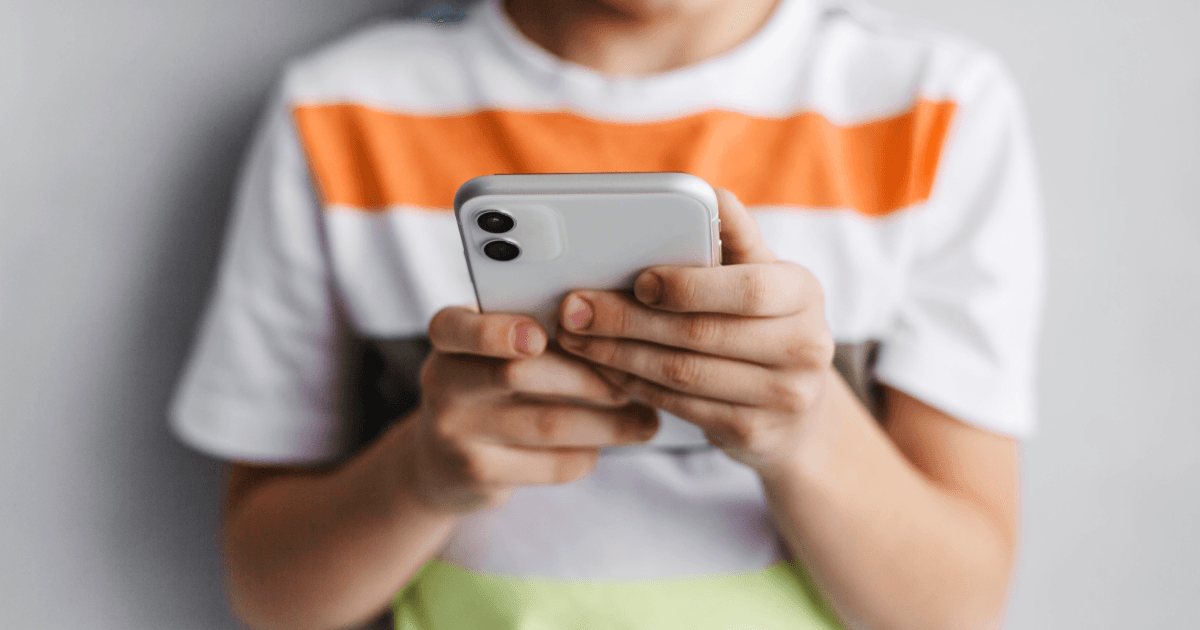
Choosing the best phone for your child as they start or head back to school can be a challenge. With so many smartphones and dumbphones for kids now on the market, and children becoming more tech-savvy than ever, the decision isn't just about calls and texts anymore. Kids today want phones that are modern, safe, and capable; meanwhile, parents want something affordable, durable, and age-appropriate.
In this guide, we’ll help you navigate the options to find the best phones for kids, whether you're looking for a simple dumbphone, a refurbished smartphone, or something that balances entertainment and safety.
In this article:
Most parents agree that a child doesn’t need a phone until they’re becoming more independent, whether that’s travelling to school alone, going to after-school clubs, or spending time with friends. For many, this happens around the start of secondary school. Even if kids have access to the web for studying or communicating with their friends, this should typically be on a household desktop or tablet.
When looking to buy your child’s first phone, a budget of around £100 to £200 is ideal. Spending over £300 could be risky, especially if your child is still learning responsibility or commuting with the phone.
✅ Tip: A refurbished phone is often a smart choice; it’s better value, environmentally friendly, and still supported with security updates.
When choosing a phone for your child, ask yourself why they need it:
Just calls and text?
For taking pictures?
Social media?
Once you're clear on this, looking for mobile phones with those features will be a lot easier for your decision making. We understand that giving your child their first phone can feel like you are opening them up to a world outside of your control. With all the reports of anxiety and social media addiction, it's no surprise that parents aren't jumping at the thought of placing their child into the world of superfast communication and media.
Here are a few features we recommend looking out for when choosing a smartphone for your child:
✅ A minimum battery life of 2000mAh or above should keep your child’s phone switched on all day.
✅ Manufacturer support is guaranteed for 2+ years.
✅ A 720p HD screen or above will be perfect for occasional entertainment.
✅ Has parental controls or a family link.
✅ Ideally has around 2-6GB of RAM for both simple use and multitasking.
✅ Easy to repair and also low-cost.
✅ For photos, a minimum of 6-12MP will provide decent images for your child.
Preparing your child to go back to school can be a challenging task, especially when it comes to mobile phones. We would recommend avoiding expensive flagship devices, because while your child may have the coolest tech in the playground, they could also be a target for thieves. Flagships also tend to be less rugged, and the constant appeal of the apps could wear the battery down or interfere with time that should be spent paying attention in the classroom. You’ll also have cyber-bullying, internet safety and awareness to consider -especially important if your child is young.
| Phone | RRP | Battery | Age Group | Smart/Dumb | Parental Controls | Standout Feature |
|---|---|---|---|---|---|---|
| Refurbished Google Pixel 9a | £295 or more | 5,100mAh | 12+ | ✅ Smart | ✅ Yes | Long Support, great camera |
| Refurbished iPhone 16e | £360 or more | 3,961mAh | 11+ | ✅ Smart | ✅ Yes | Compact, future-proof iOS updates |
| Samsung Galaxy A17 5G 2025 | £140 approx. | 5,000mAh | 10+ | ✅ Smart | ✅ Yes | Reliable, budget-friendly |
| Oneplus 13R | £400 or more | 6,000mAh | 12+ | ✅ Smart | ✅ Yes | Smooth display, expandable storage |
| Nokia 3210 (2024 release) | £74.99 approx. | 1,450mAh | 7+ | ❌ Dumb | ❌ Basic | Indestructible, distraction-free |
| Onetouch TCL 4042S | Just £25 | 1,500mAh | 9+ | ❌ Dumb | ❌ Basic | Safe, no internet or social apps |
The Google Pixel 9a is one of the best smartphones for older kids and teens ready to step into the world of full-featured devices. Despite being marketed as a budget phone, it offers impressive software updates until 2032, an excellent 5100mAh battery, and a 6.3-inch pOLED screen that’s great for watching videos or playing games. Despite having a larger screen, it’s also slightly lighter than the Pixel 8a and features a durable plastic back, making it more forgiving if dropped.
Although on paper it seems as though its predecessor, the Pixel 8a, has a better 64MP main camera, it doesn’t necessarily mean the bigger the better. The Google Pixel 9a has a newer 48MP main sensor and wider f/1.9 aperture as well as being powered by the powerful Tensor G4 chip. It features Google’s latest AI tools making it a clever tool and kid-friendly
We recommend buying the refurbished Pixel 9a for kids over 12 years old. You'll save a significant amount compared to buying new, especially if you're budgeting or anticipating the occasional drop or scratch. Refurbished models are tested, restored, and often look like new, especially in "pristine" condition. Plus, choosing refurbished is more sustainable, reducing e-waste and extending the life of a perfectly good device. For families looking to balance performance, longevity, and cost, the Pixel 9a is a top-tier back-to-school pick.
Up next on our recommendations list is a refurbished iPhone 16e, which is a great option if you want to get your child one of the latest iPhones without breaking the bank. The iPhone 16e is basically the newer equivalent of the Apple SE range and offers similar features great for a first phone.
In terms of specs, it’s a lightweight handset with a powerful chipset that will work well for extended use. With an A18 processor, you can expect to have a high-end experience with a budget price tag. It comes in the classic compact iPhone design that we know and love, and it’s a phone that’s likely to get several years of use. This is because Apple will continue to add iOS and security updates over the next four years, which will include further advancements to performance and parental controls. The iPhone 16e also has a large 6.1” screen which is a great size for a child wanting to play games or watch videos.
Our next choice is a fantastic budget mobile phone for kids for under £200. With great battery life, impressive camera quality for the price and a commitment of 6-years OS and Security updates, we think this would be a good pick for a first phone. It features a large 6.7-inch 1080p display with a smooth 90Hz refresh rate, and a dependable 5000mAh battery. With solid performance, excellent battery life, and a surprisingly premium screen for the price, it’s built for kids who want to play, stream, and stay connected throughout the day.
Despite its low price (around £200), the Galaxy A17 5G doesn’t skimp on features. It includes a 50MP main camera, a 5MP selfie camera, and a 2MP macro lens, making it great for photography as well. It incorporates a side-mounted fingerprint scanner for quick security, and you’ve got a stylish, capable device that easily competes with pricier alternatives, perfect for parents who want value without sacrificing quality.
The OnePlus 13R is a great option for older kids or teens who are ready for a more advanced smartphone. It features a large 6.78-inch AMOLED display, ideal for gaming, streaming, and everyday use, along with a massive 6000mAh battery that can last up to two days on a single charge, perfect for busy school days or long travel. Built with an anti-fingerprint matte aluminum frame and rated IP64 for dust and water resistance, it’s designed to handle everyday use with ease.
Camera-wise, it offers a 50MP triple main camera and a 16MP selfie camera, delivering sharp, high-quality images. Parents will also appreciate the 3 years of software support and 4 years of security updates, helping ensure the device stays secure and reliable over time. While it’s priced around £400, the OnePlus 13R delivers flagship-level performance and durability at a much more reasonable cost, making it a smart long-term investment for a child’s first high-end phone.
Looking for no distractions? Dumb phones are ideal for younger children or those who only need to call/text.
The Nokia 3210 certainly has that nostalgic appeal for a lot of parents, especially with it being a reboot of the popular 1999 release. If you’re looking for a simple, stylish, distraction-free first phone for your child, the Nokia 3210 released in 2024 is a great choice, priced at around only £75. It is app-free and only includes the essentials like calls, text, and a basic camera. The interface is quite straightforward as well, making it an ideal first choice for younger kids with just shy of 10 hours of talktime.
One thing to bear in mind is that some kids may find the T9 keyboard a bit cumbersome, but it may not be a bad thing, as it could limit excessive texting and be an exciting challenge to master. Overall, the Nokia 3210 is ideal for emergency use, basic communication, and giving kids a safe introduction to mobile phones without the distractions of the internet. It offers a modest 1450mAh battery, a modern USB-C charging port, 128MB of internal storage (64MB RAM) which is expandable to 32GB via a micro SD card.
The TCL 4042s is another great entry-level phone for children, especially if it’s their first one. It’s lightweight, compact, and the 1500mAh battery typically lasts a day on light use. In addition to the essentials like calls and text, it also has a few features such as a rearview camera, FM radio, and a flashlight. But, being a dumbphone, it doesn’t support social media or app downloads, easing parents’ concerns about distractions or excessive screentime.
Not only can you grab this mobile phone for around £30, one of the standout features of the TCL 4042s is the dedicated SOS emergency button because it will give you peace of mind that your child can easily request help with a touch of a button. It is also 4G LTE compatible, which means it works on modern networks and can offer clearer call quality and broader coverage. However, it still keeps internet access minimal, often limited to basic browser functionality (which parents may want to monitor). Overall, the TCL 4042s is a practical, low-cost phone that gives kids the essential tools to stay in touch with family without the risks of a smartphone.
Regardless of what phone you choose, it's important to set up parental controls to help keep your child safe. Depending on what software version the device you buy runs, there are certain limitations you can put on the device, mainly to do with purchasing apps, adding content restrictions and using app timers.
With the range of parental controls that you can place on the devices themselves, networks, and on your home Wi-Fi, you can rest assured that you have done as much as possible to keep your children protected from anything damaging online. Luckily, with Android 10 and above, as well as the latest iOS updates, there are various control options you can set up.
To set up parental controls on Android, you’ll need to download the Family Link app on both your phone and your child’s phone and set up accounts for both of you. You’ll both need Google accounts to create separate accounts on the Family Link app. Once you've set up the Family Link, you will be able to connect your kid's phone to your own. Next, you will want to proceed with parental controls on your child's device.
✅ Open Settings on your kid's phone.
✅ In Settings, scroll down and tap on Digital Wellbeing and Parental Controls (or similar).
✅ Tap Parental Controls.
✅ Follow the on-screen instructions to add or create your kid's Google account.
✅ Once the Google account you want to supervise on this device has been chosen, you can proceed with choosing apps that this device can use and set filters.
✅ Confirm the settings with a PIN code of your choice.
✅ Lastly, from your own phone, choose other controls like setting up bedtime, app timers and further access restrictions, for example, permissions on Google Play Store for app downloads.
If your family has iPhones, you’ll need to go to Screen Time to set up parental controls on your kid’s iPhone.
✅ Go to Settings and tap Screen time.
✅ Tap on Turn On Screen Time and tap Continue.
✅ Select that this device is your child's iPhone.
✅ Next, you can proceed with setting up the downtime schedule for your kid's iPhone, adding limits to app usage and content restrictions.
✅ Create a passcode to protect your parental controls, which will be later used to access parental controls or grant permissions.
You can find more detailed settings instructions on this Apple support page and if you want even more guidance, you can find more information on Apple’s dedicated Child’s Safety page. Hopefully, you will instil a healthy caution of the web and applications to the point where their decision, coupled with your network and device protection, should mean they can safely surf the web and consume media and knowledge.
If you are thinking about handing down an old phone, here's what you need to do before handing it to your child:
✅ Factory Reset - ensure that the phone has been completely wiped of all data and reset to factory settings
✅ Create A New Account With Parental Controls - make sure you log out of any previous accounts and disconnect any devices linked to the phone. Once you’ve done this, you can create a new account ID, e.g. AppleID, GoogleID and set up any parental controls and restrictions that can only be accessed and changed by a parent or guardian.
✅ Make Sure The Phone Is Updated - this is a super important step in ensuring the phone's operating system is up to date. This will mean the phone is still supported by the manufacturer whilst also lowering the risk of any security threats.
Checking a mobile phone before handing it to a child is extremely important and gives you the opportunity to perform checks to see whether the phone still has a decent battery life and receives the necessary software and security updates. This advice may change in the coming years, but for now, avoid handing down unsupported and outdated devices.
Choosing the right phone for your child can bring up a lot of questions about safety, features, cost, and what’s age-appropriate. To help you make a more informed decision, we’ve answered some of the most common questions parents have when shopping for their child’s first phone or a back-to-school upgrade. Whether you’re leaning toward a basic device or a full-featured smartphone, this section should give you the clarity you need.
The Samsung A17 5G 2025 or the Nokia 3210 (2024 release) are great options. If you prefer a smartphone, Samsung offers budget-friendly features with parental control support.
A dumb phone is a device that only allows basic functions like calling and texting. It doesn’t support social media, internet browsing, or app downloads — making it a safer first phone.
Yes. They’re affordable, eco-friendly, and usually include a warranty. Opt for one in “Pristine” condition with verified seller reviews.
Both have pros and cons. iPhones offer tighter security and longer software support. Androids offer more budget flexibility and greater control with Google Family Link.
Whether your child is just starting out with a basic feature phone or ready to take on the responsibility of a smartphone, there’s a wide range of options to suit every age and stage. Devices like the Nokia 3210 (2024 release) and TCL 4022s are perfect for younger kids who need simple communication without the distractions of internet access or apps. For older students who are ready for more functionality, smartphones like the iPhone 16e offer powerful tools for learning, organisation, and staying connected, with features like parental controls to help set healthy boundaries. No matter which route you choose, the best back-to-school phone is the one that fits your child’s maturity level, your family’s values, and your comfort as a parent.
6G could change your phone faster than you think, but the biggest shift may not be speed.

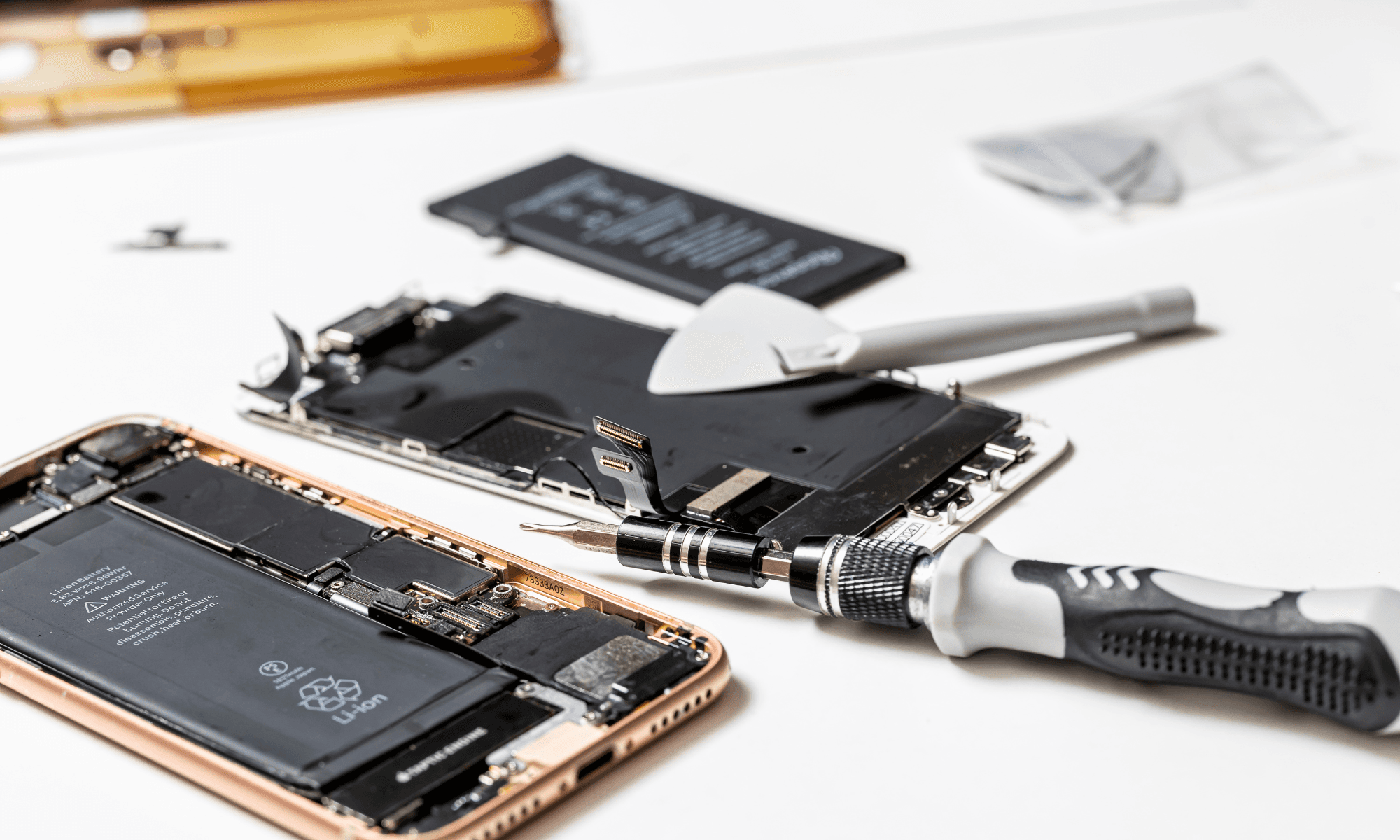
The EU’s 2027 battery rule sounds simple, but hidden details could reshape smartphones and how long they last.
That quick glance at your phone while driving could cost more than you think… but the real consequences might surprise you.