0330 123 4609
Menu

At Compare and Recycle, it's easy to find the best price for your old iPhone. We compare iPhone trade-in prices from trusted buyers in the UK, so you can choose the deal that suits you best and avoid undervaluing your phone. No pressure, no hidden steps - just a straightforward way to find the best price to sell your iPhone in a few clicks.

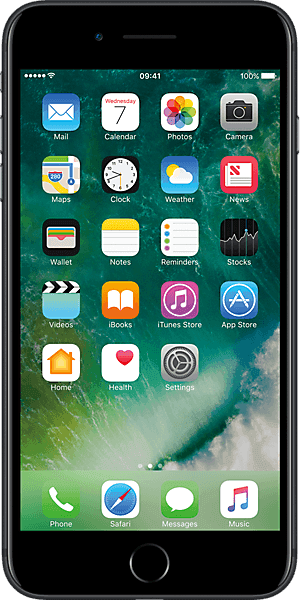
Find the iPhone you're looking to recycle.
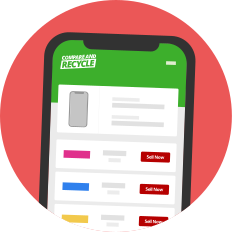
Compare quotes for your iPhone and choose which recycler to sell to.

Send your iPhone off to a recycler for FREE and get paid.
If you’re not sure which iPhone you have, check out our guide to identify your iPhone model.
Find your iPhone using the search box below and we'll show you how much it is worth.

We're a comparison website which means we help you find the best price for your iPhone.

You will receive a trade-in pack which includes a freepost label, packaging and posting instructions.

Over the years, we've helped hundreds of thousands of customers to sell their iPhones.

We feature reputable iPhone recyclers so you can sell with confidence.

The process to sell your iPhone online takes just a few clicks.

Every iPhone sold gets reused or recycled which helps to cut down on electronic waste.
You can sell your iPhone at Compare and Recycle! Our comparison site is the fastest and easiest way to turn your old iPhone into cash as we compare prices from trusted UK recyclers in one place. Rather than getting multiple emails with quotes or arranging a private sale, you can see available trade-in prices side by side and choose the deal that suits you. The process is straightforward and takes just a few clicks.
Search for your iPhone model on Compare and Recycle for a free instant quote.
Compare trade-in deals, pick one and fill in a short form with your details.
Send your iPhone for free to the recycler you’ve chosen and get paid straight into your bank account.
You can find out your iPhone’s model by checking the About section in your phone’s settings: go to Settings > General > About > Model Name.
Alternatively, if your iPhone doesn't power on, take out the SIM tray and find the model number printed on the inside edge of the SIM card slot. The model number will begin with the letter ‘A’ and will contain 4 digits. Once you’ve retrieved the model number, check this Apple support page to confirm the model name of your iPhone.
iPhones older than iPhone 7 will have the model number printed on the back of the phone.
Just follow these steps to make sure your iPhone is ready for sale:
Back up your data to your iCloud.
Unpair your AirPods, Apple Watch and other devices (skip this step if you don’t have other linked devices).
Remove your iCloud from the iPhone.
Perform a factory reset to remove all data from your iPhone.
Remove your screen protector, case, and SIM card and give your iPhone a thorough clean.
For more details on what to do before selling your iPhone, check out our guide today.
Accidents happen and if your iPhone has a broken screen or other damage, you can still sell it. You may not get as much money as one in perfect condition, but recyclers will still take a broken iPhone. Just specify its condition as 'Broken' using condition filtering on our comparison pages. Please note, some recyclers do not accept water-damaged iPhones, so you should always check the recycler’s terms and conditions.